featuredautomationtools
Homelander
Immoscout24 apartment application app with end-user in mind.- Electron
- React
- Node.js
- SQLite
Homelander is a desktop app that watches a property search on ImmobilienScout24 and auto-applies when a property becomes available.
The focus during development was a robust user experience and intuitive design, with powerful troubleshooting when something goes wrong.
Why it exists
ImmobilienScout24 is Germany’s largest real estate platform. In competitive markets — Berlin, Munich, Hamburg — apartments collect 100+ applications within hours. If you are not among the first to apply, you never hear back.
Manual refreshing does not work, because you cannot sit at a desk hitting F5 around the clock. Browser extensions are detectable and limited to what the browser can reach. Cloud bots cost around 100 € and take custody of your data.
Homelander runs on your own computer, drives a real Chromium browser, handles captchas, and pauses itself on session expiry and AWS perimeter challenges. Free, no terminal, no cloud.
What it does
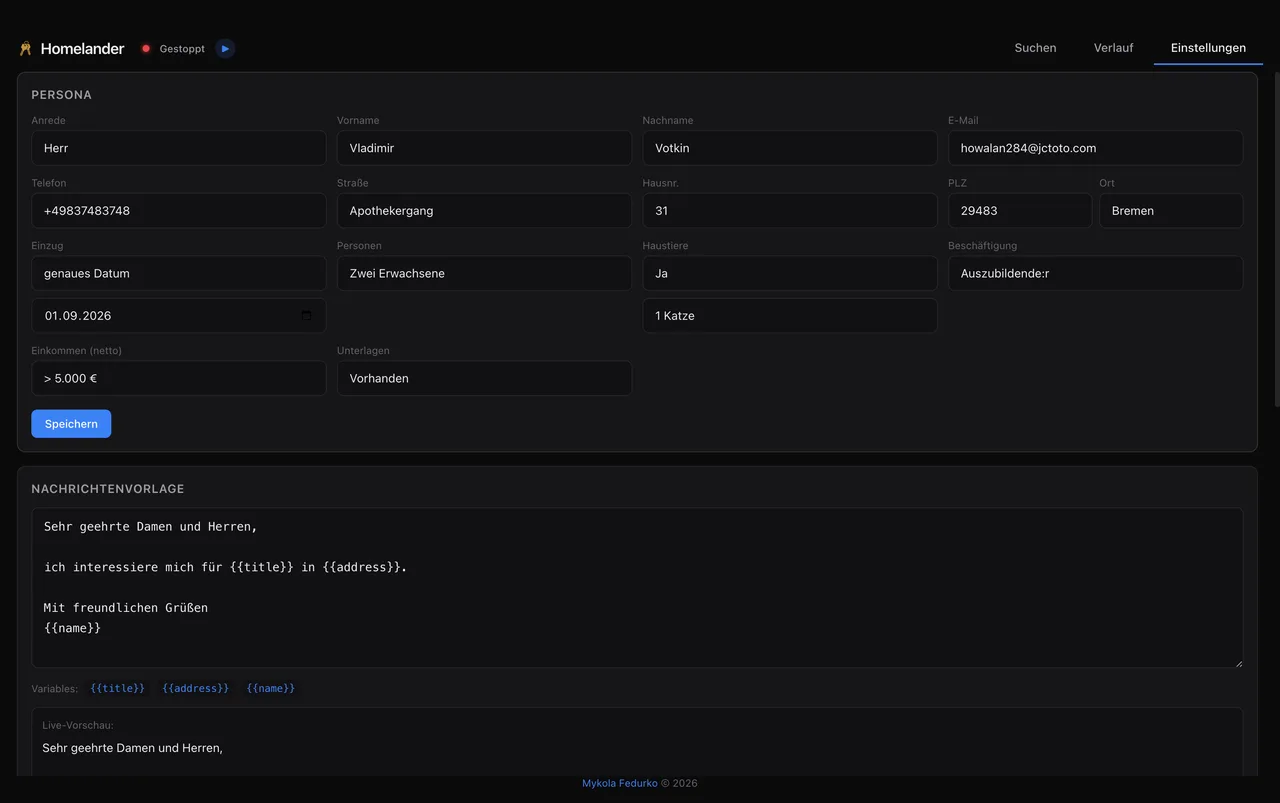
A guided six-step wizard covers language, personal details, message template, manual account login, captcha key, and the first search. After that it runs unattended.
Captcha solving is optional and costs roughly $0.001 per solve through 2captcha — about $3 for hundreds of applications. Three speed modes govern the delay between applications, from 45 to 90 seconds. The interface ships in German and English.
Everything stays in SQLite on the machine. Nothing is sent anywhere except to the listing API, the listing site through Chromium, and the captcha solver.
The path a listing takes
text
IS24 Mobile API  <-- HTTP -->  [ Poller -> SQLite -> Apply Engine -> Chrome CDP ]  -->  IS24 Forms
                                    |                        |
                               Electron app               headed
                                (React UI)
The Electron app owns the poller and the store; the browser stays headed so the site sees what it expects.
From a search URL to a submitted application
The poller and the apply engine run independently; SQLite is the seam between them.
- 01Paste a search URL
Any valid listing search, including Tauschwohnung.
- 02Poll the mobile API
Every 10 minutes, checking for listings that have not been seen.
- 03Store in SQLite
New listings land deduplicated and timestamped.
- 04Apply
The engine opens each listing in a background Chromium window, fills the contact form, and submits.
- 05Solve captchas
Handled automatically through 2captcha when a challenge appears.
- 06Record the outcome
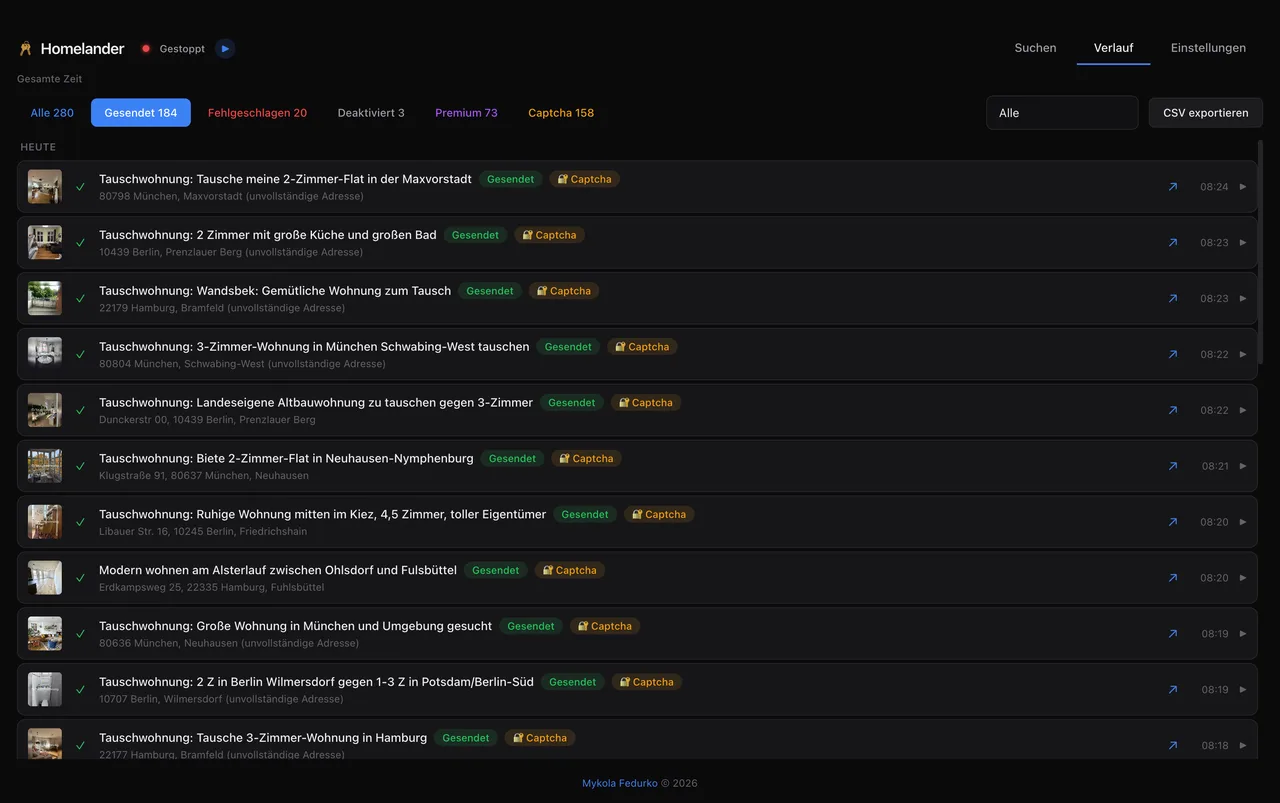
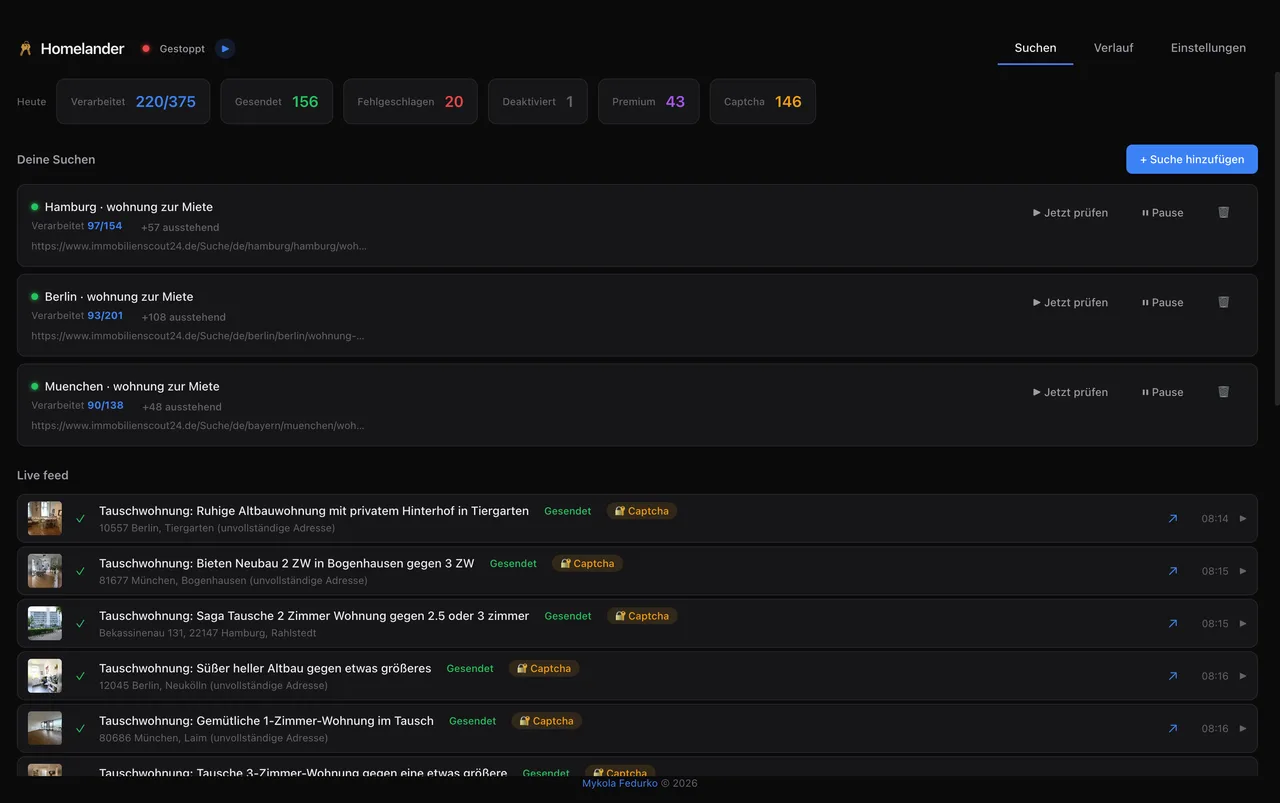
SENT or FAIL appears in the live feed and in history.
Screenshots